 The indie App Store toolkit
App Store screenshots
that convert.
Drop in your raw app screens, add a headline, and get a polished, store-ready screenshot set — plus a hero frame — in minutes. No designer, no Figma, no subscription. Just screenshots that pull their weight on the storefront.
200 credits offered — no card required.
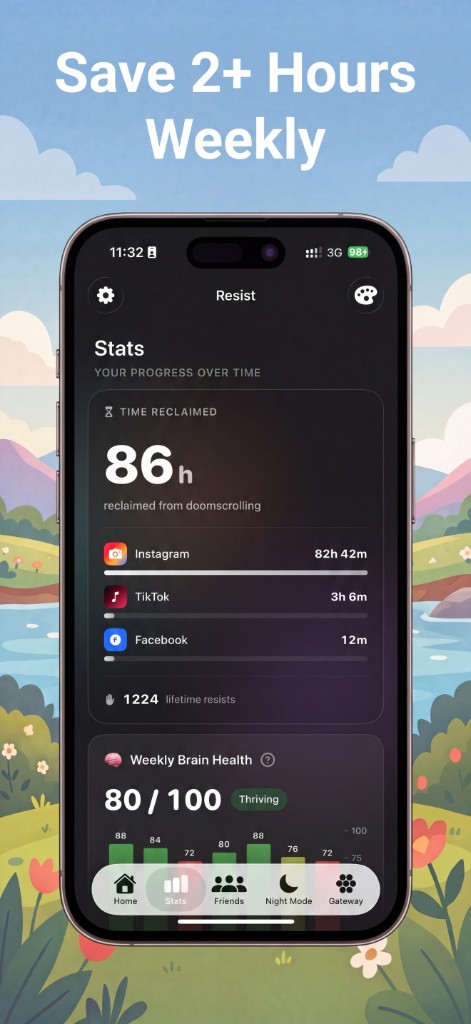
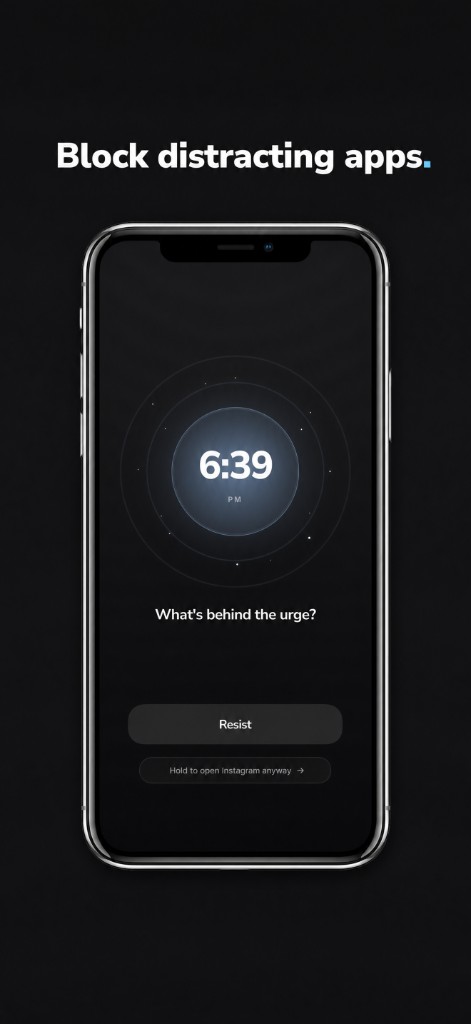
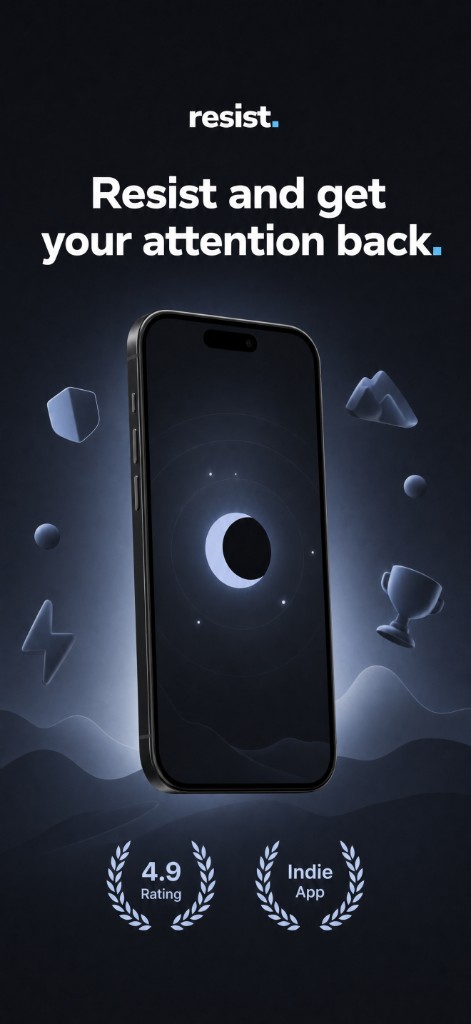
Real sets, shipped to the App Store.
Every frame below was generated by Superscreens from one indie developer's raw screenshots — same look, no two alike.
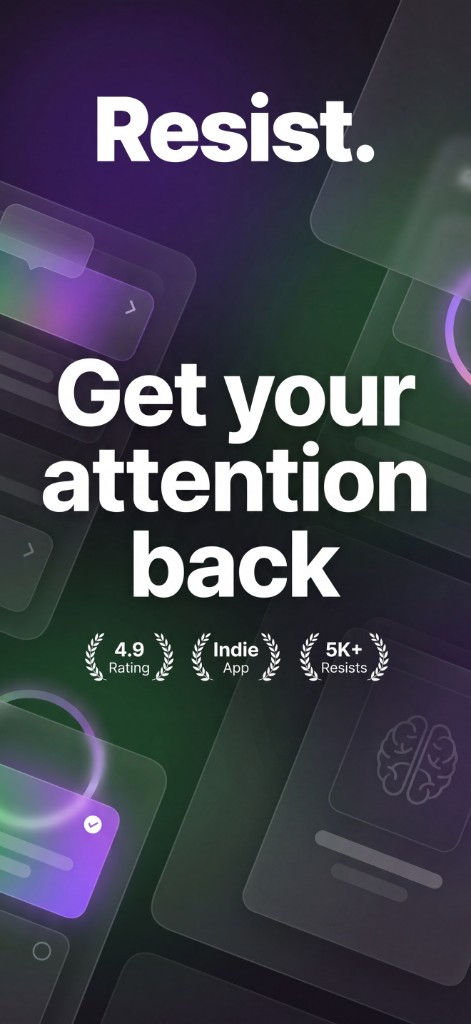
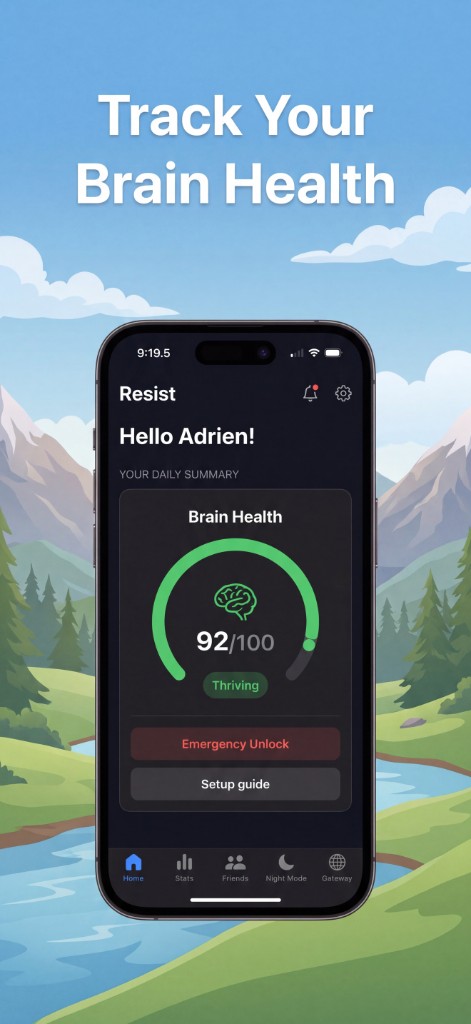
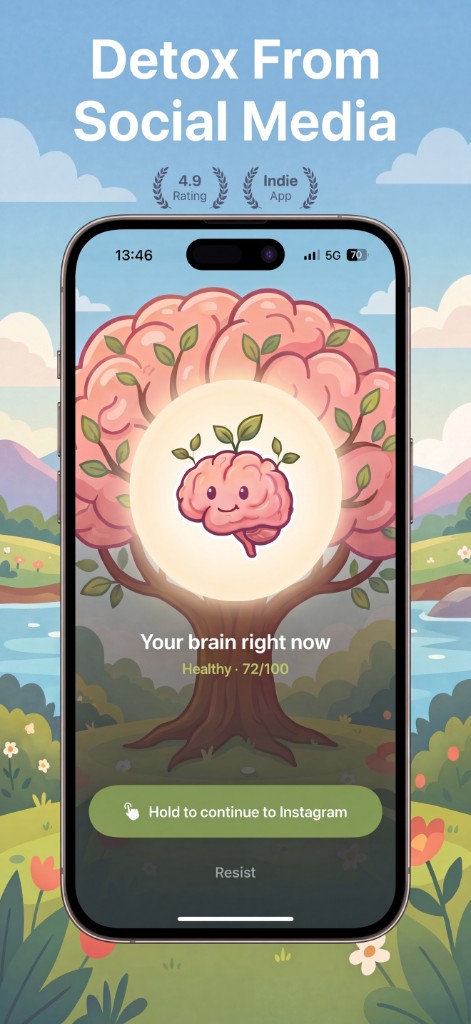
Your screenshots are your storefront.
You shipped the app. Don't let a row of plain simulator grabs be the thing standing between you and the install button.
It's the first thing they see
On the App Store, most people decide from the screenshots — before they read a single word of your description.
Indies get out-designed
Big studios put a designer on the store listing. Your build deserves the same shelf appeal, without the agency invoice.
A clean set is the flex
One consistent visual language across every frame signals a real, finished product — not a weekend prototype.
Three levels to a finished set.
- 01Level 01
Drop your screenshots
Real screens straight from your app. One frame per screenshot — that's the unit.
- 02Level 02
Add a headline
One short line per frame. Stuck? AI suggests headlines from your screenshot and your URL.
- 03Level 03
Generate the set
One click. Every screen comes back in the same visual alley, plus a brand hero up front.
Pay only for the screens you make.
Top up credits, generate when you're ready. Bigger packs cost less per screen.
- Credits work across any project
- Brand hero screen included
- App Store preview mockup
- All assets yours to keep
- No watermark
- No subscription, ever
“Making my app store previews was the biggest bottleneck I faced when shipping new versions quickly — and yet they're so important. Good screen previews can lift your conversions by 30% to 40%. So I built a tool to generate high-quality screens in minutes.”
Good questions, straight answers.
Ready for launch?
Turn your raw screens into an App Store set you're proud to ship. First project takes about five minutes.
200 credits offered — no card required.
iOS available · Android coming soon · yours to keep